
Playgrounds
阅读提示
- 适用版本:Go 1.21+(示例在 Go 1.22 下验证)· 前置知识:快速开始 · 阅读时长:约 6 分钟
介绍
对于一些简单的单文件演示代码,go 提供了 playground 来在线运行 go 代码,不需要安装 go 环境,只需要一个浏览器即可。
Playground 开源地址:go-playground (github.com)
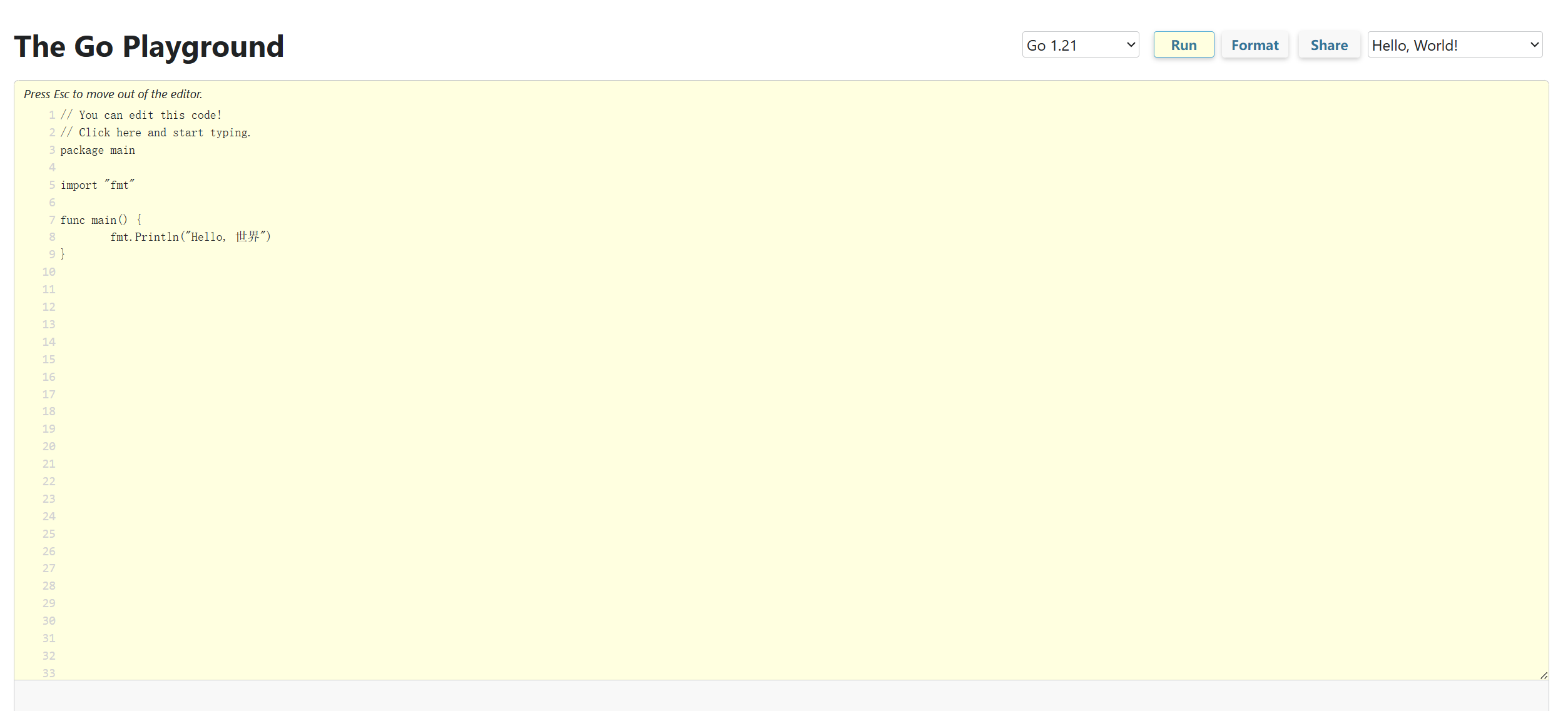
官方 Playground 地址:Go Playground - The Go Programming Language
第三方 Playground 地址:The Go Play Space
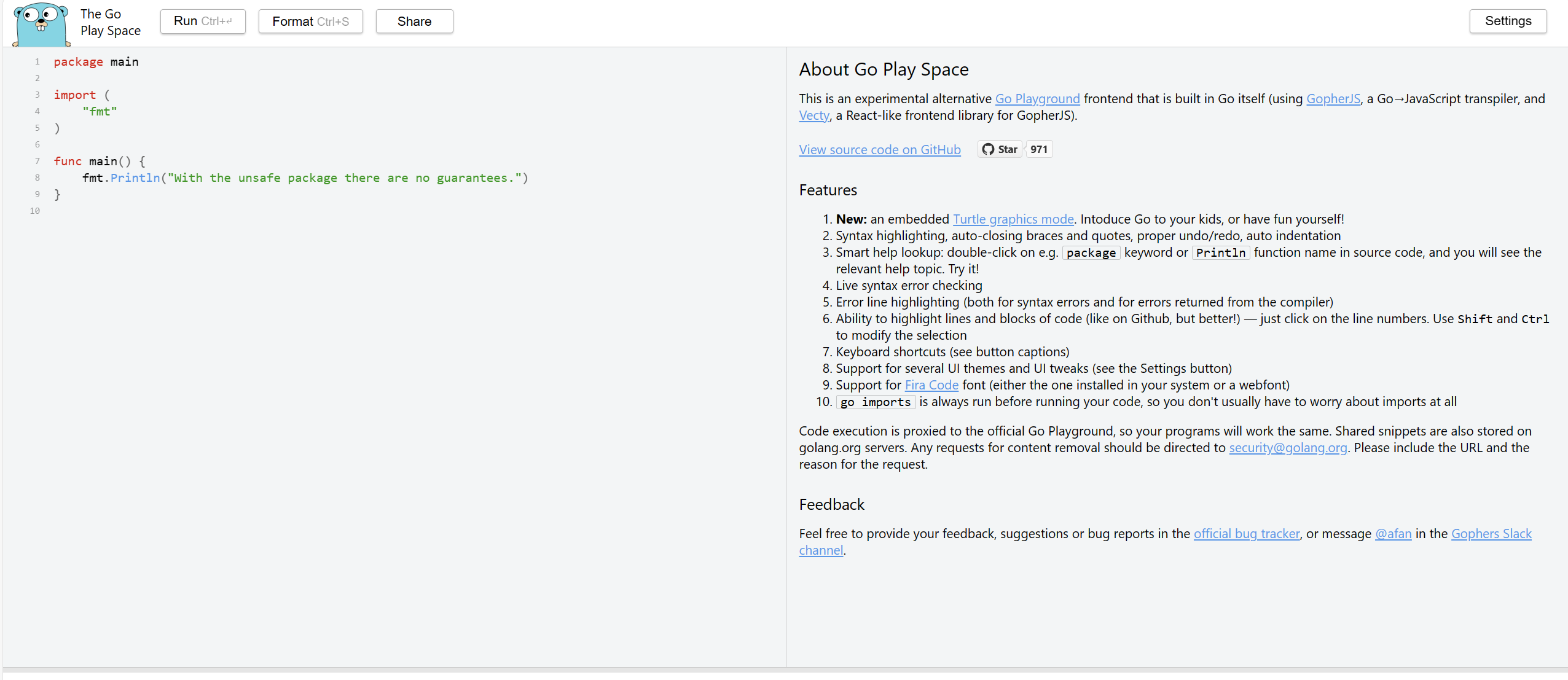
由于它是一个开源项目,你也可以选择在自己的服务器上搭建个人 playground,安装方法见官方文档。Playground 服务器会将上传的代码段存储到谷歌云存储,所以不建议分享敏感代码。对于国内用户,建议使用第二个因为不需要魔法上网,但它依旧是基于官方的 Playground 服务器,代码也会同步到官方那边的服务器里面。
笔者自己整了一个玩具goplay,用于在命令行内与 playground 服务器交互,也可以当作 playground HTTP 客户端库来使用。
HTTP API
上面提到的都是浏览器的方式交互,如果想要从客户端的角度与 playground 服务器交互,比如编写一个 vuepress go playground 的插件。由于 playground 服务器本身是一个 HTTP 服务器,我们可以使用 HTTP 的方式来与其进行交互。官方本身没有提供 API 文档,下面的 HTTP API 是我从 playground 代码里面了解到的,随着时间的推移可能会有些出入,为了获取最准确的信息可以自行去仓库里面查阅。
官方 playground 服务器地址:play.golang.org,下面演示都以官方服务器为准,如果使用第三方服务器的话替换域名即可。
share
分享代码段到 playground 服务器上,返回对应的 snippet id。
POST https://play.golang.org/share| 名称 | 位置 | 类型 | 必选 | 说明 |
|---|---|---|---|---|
| body | body | string | 否 | none |
响应示例
13AbsRp7_S9compile
编译并运行指定代码段,然后返回结果
POST https://play.golang.org/compile| 名称 | 位置 | 类型 | 说明 |
|---|---|---|---|
| body | form-data | string | 代码段 |
| withVet | form-data | string(ture/false) | go vet |
响应示例
{
  "Errors": "",
  "Events": [
    {
      "Message": "Hello, world\n",
      "Kind": "stdout",
      "Delay": 0
    }
  ],
  "Status": 0,
  "IsTest": false,
  "TestsFailed": 0
}
fmt
返回格式化后的代码段
POST https://play.golang.org/fmt| 名称 | 位置 | 类型 | 说明 |
|---|---|---|---|
| body | form-data | string | 代码段 |
| imports | form-data | string(ture/false) | fix imports |
响应示例
{
  "Body": "// You can edit this code!\n// Click here and start typing.\npackage main\n\nimport \"fmt\"\n\nfunc main() {\n\tfmt.Println(\"Hello, world\")\n}\n",
  "Error": ""
}
health
对 playground 服务器进行健康检查
GET https://play.golang.org/_ah/health响应示例
okversion
查看 playground 服务器 go 版本
GET https://play.golang.org/version响应示例
{
  "Version": "go1.21.4",
  "Release": "go1.21",
  "Name": "Go 1.21"
}
view
查看指定 snippet id 的代码段
GET https://play.golang.org/p/{id}.go响应示例
// You can edit this code!
// Click here and start typing.
package main

import "fmt"

func main() {
  fmt.Println("Hello, world")
}
download
post 方法携带 download form 参数会以 attachment 方式返回结果
POST https://play.golang.org/p/{id}.go| 名称 | 位置 | 类型 | 说明 |
|---|---|---|---|
| download | form-data | string(true/false) | 是否下载 |
响应示例
// You can edit this code!
// Click here and start typing.
package main

import "fmt"

func main() {
  fmt.Println("Hello, world")
}
TIP
如果在使用官方服务器的过程中,提示你无法访问或者出现下面这种信息
Viewing and/or sharing code snippets is not available in your country for legal reasons.这是因为某种不可抗力中国大陆地区的用户无法访问服务器,并且在 playground 源代码中也有这么一个函数
func allowShare(r *http.Request) bool {
  if r.Header.Get("X-AppEngine-Country") == "CN" {
    return false
  }
  return true
}完整示例
把下面的程序粘贴到 Go Playground 并点击 Run 即可运行;本地执行 go run main.go 效果相同。
package main

import "fmt"

func main() {
	for i := 1; i <= 15; i++ {
		switch {
		case i%15 == 0:
			fmt.Println("FizzBuzz")
		case i%3 == 0:
			fmt.Println("Fizz")
		case i%5 == 0:
			fmt.Println("Buzz")
		default:
			fmt.Println(i)
		}
	}
}
预期输出:
1
2
Fizz
4
Buzz
Fizz
7
8
Fizz
Buzz
11
Fizz
13
14
FizzBuzz
常见错误与踩坑
- Playground 没有网络访问。 调用外部 API 或下载依赖的程序无法运行。
- 只适合确定性输出。 Playground 会缓存运行结果,
time.Now()、随机数与 map 遍历顺序都可能与你本地不同。 - 长时间运行的程序会被终止。 沙箱有严格的时间限制,实验要保持短小。
- Go 版本可能与本机不同。 注意版本选择器,确认语言特性可用。
- 分享的是代码链接,不是二进制。 Playground 面向源码片段,不适合分发可执行文件。
更新记录
- 2026-10-14:新增"阅读提示"、完整可运行示例(含预期输出)、常见错误与踩坑清单,以及本更新记录。